
Content
- Code quality
- Dependency/Package management
- Build tools
- Additional tools
Quality of CODE
Good quality code is an essential property of a software because
if code quality is not good enough, it could lead to financial losses or waste of time when it’s needed for further maintenance, modification or adjustments .
Creating quality code means that the software is more durable, easy to use, and can be easily maintained by the users. So it is important to create quality code.
Clean code is critical in the software industry as it is perceived as what makes or breaks a project Furthermore Startups and companies have shut down because of the insurmountable technical debt that unclean code has brought them.
Clean code is code that is easy to understand and easy to change. means the code is easy to read, even that reader is the original author of the code or somebody else. When meaning is clear it minimizes the need for guesswork and possibility for misunderstandings.
Measuring Code Quality with Test Coverage Metrics;Test coverage and code quality are two of a handful of fundamental metrics used to analyse, track and measure the effectiveness of an IT project or initiative. Furthermore one of the ways we measure code quality is by looking at corresponding test coverage.
How to maintain a quality code?
- Follow a style.
- Find developers to code review your work.
- Review other people’s great code.
- Refactor regularly.
- Write unit tests that cover your model, then move to your interface.
- Avoid duplicating code.
- Avoid commenting for the sake of it.
- Communicate with your team developers to set expectations.
Tools for maintaining code quality,
- Checkstyle
Checkstyle is a free and open source static code analysis tool used in software development for checking whether Java code conforms to the coding conventions you have established. It automates the crucial but boring task of checking Java code. It is one of the most popular tools used to automate the code review process.
- PMD
Is a static code analysis tool that is capable to automatically detect a wide range of potential bugs and unsafe or non-optimized code. Furthermore it examines Java source code, and looks for potential problems such as possible bugs, dead code, suboptimal code, overcomplicated expressions, and duplicated code.
PMD can be used with Eclipse,Intellij IDE,Maven,Gradle, or Jenkins.
- FindBugs
Is an open source Java code quality tool with a quite different focus, which is similar in some ways to Checkstyle and PMD. FindBugs doesn’t concern the formatting or coding standards but it is only marginally interested in best practices.
FindBugs is mainly used for identifying hundreds of serious defects in large applications that are classified in four ranks:
- scariest
- scary
- troubling
- of concern
- SonarQube
Is an open source platform which was originally launched in 2007 and used by developers to manage source code quality. Sonar
can be used as a shared central system for quality management, because it was designed to support global continuous improvement strategy on code quality within a company. Furthermore it makes management of code quality possible for any developer in the team. As a result, it has become a world’s leader in Continuous Inspection of code quality management systems in recent years .
Sonar currently supports a wide variety of languages including,
- Java
- C/C++
- C#
- PHP
- Flex
- Groovy
- JavaScript
- Python
- PL/SQL (some of them via additional plugins).
And Sonar is very useful as it offers fully automated analyses tools and integrates well with Maven, Ant, Gradle, and continuous integration tools.
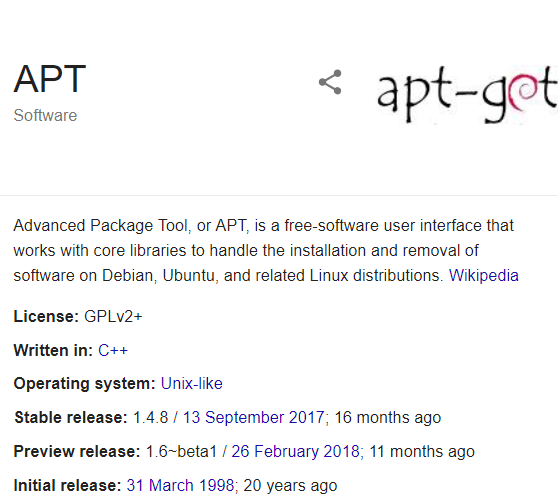
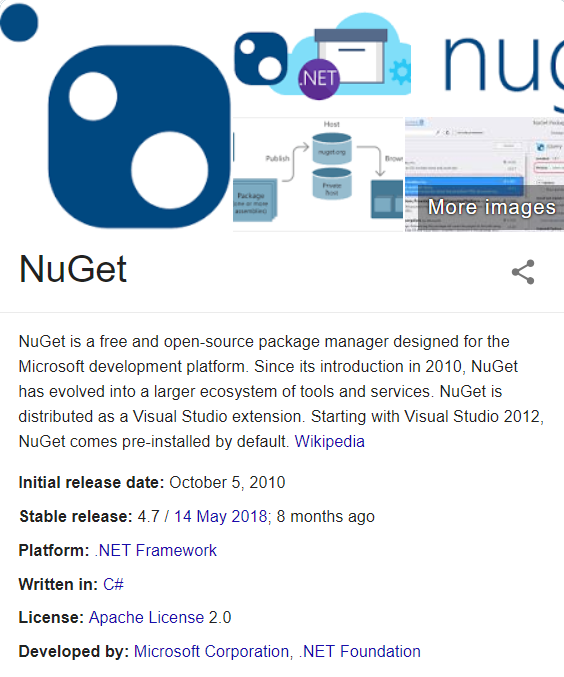
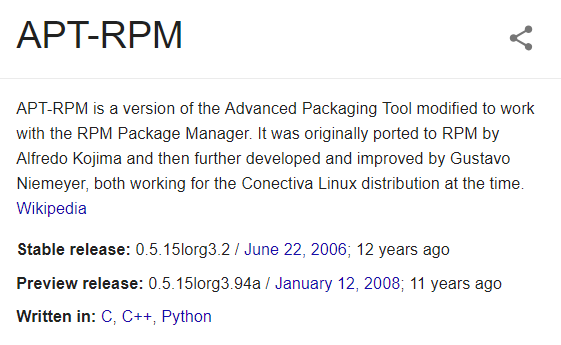
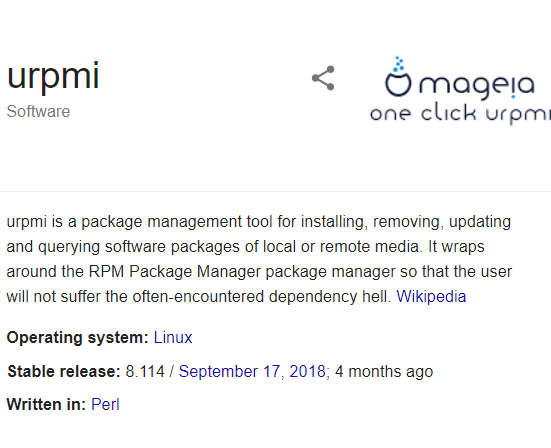
Dependency/Package management tools.
That is, rather than forcing every package to share the same canonical set of packages,every package installed gets its own set of dependencies This is because, in most package management models, only one version of any particular package can be installed at a time.
Furthermore, User doesn’t have to hunt down information about bug and security fixes, because package management tools keep track of updates and upgrades
Without package management, users must ensure that all of the required dependencies for a piece of software are installed and up-to-date, compile the software from the source code (which takes time and introduces compiler-based variations from system to system), and manage configuration for each piece of software. Without package management, application files are located in the standard locations for the system to which the developers are accustomed, regardless of which system they’re using.
Tools available in the industry,



Build Automation,
Build Automation is the process of scripting and automating the retrieval of software code from a repository, compiling it into a binary artifact, executing automated functional tests, furthermore publishing it into a shared and centralized repository.
Moreover it can be described as creation of a software build and the associated processes with compiling computer source code into binary code, packaging binary code, furthermore running automated tests.
Build Tools

Build tools are programs that automate the creation of executable applications from source code. Building incorporates compiling, linking and packaging the code into a usable or executable form. developers will often manually invoke the build process in small projects, . This is not practical for larger projects, where it is very hard to keep track of what needs to be built, in what sequence and what dependencies there are in the building process. Using an automation tool allows the build process to be more consistent.
Types of build tools,
- Broccoli- http://broccolijs.com/
- Brunch- http://brunch.io/
- npm scripts
- Make
few things to look for when selecting a build tool.
- Speed. Ideally, we want are build tool to be fast in execution as there’s much need for speed when iterating on a website or app. Furthermore when changing a line of code, needs to reload the page to see the changes instantly. Disrupting that process could slow down productivity.
- Community driven. The tool you select should have a healthy community of developers that exchange plugins and continually adding functionality to support it.
- Modular and flexible. Even the most advanced tool has its limits. Tools that are extensible allow you to add your own custom functionality giving you the flexibility to adjust as you see fit.
Build life cycle,
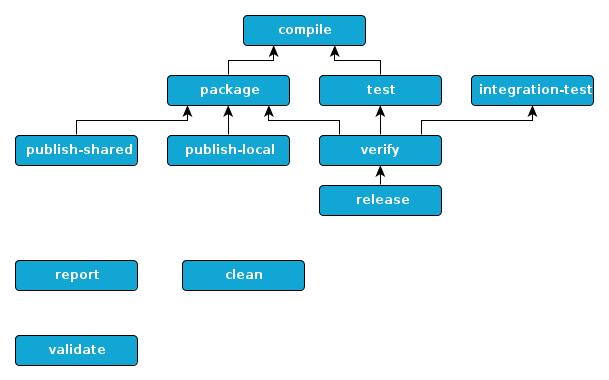
A Build Life cycle is a well-defined sequence of phases, which define the order in which the goals are to be executed. Here phase represents a stage in life cycle. There are always pre and post phases to register goals, which must run prior to, or after a particular phase.
Maven,

Means accumulator of knowledge, was originally started as an attempt to simplify the build processes in the Jakarta Turbine project. There were several projects each with their own Ant build files that were all slightly different and JARs were checked into CVS. We wanted a standard way to build the projects, a clear definition of what the project consisted of, an easy way to publish project information and a way to share JARs across several projects.
Maven objectives
- Making the build process easy
- Providing a uniform build system
- Providing quality project information
- Providing guidelines for best practices development
- Allowing transparent migration to new features
Conventions over configuration,
Maven uses Convention over Configuration, which means developers are not required to create build process themselves. Maven provides sensible default behavior for projects.
Moreover Maven creates default project structure, when a Maven project is created.
Build Phase
A build Phase is Maid up of plugins goals.A
However, even though a build phase is responsible for a specific step in the build lifecycle, the manner in which it carries out those responsibilities may vary. And this is done by declaring the plugin goals bound to those build phases.
Build profile.
A Build profile is a set of configuration values, which can be used to set or override default values of Maven build. Using a build profile, you can customize build for different environments such as Production v/s Development environments.
Maven,
Maven is based around the central concept of a build life cycle. There are three built-in build life cycles;
- default,
- clean and
- site.
The default life cycle ,handles your project deployment.the clean life cycle handles project cleaning, while the site life cycle handles the creation of your project’s site documentation.
he Maven build follows a specific life cycle to deploy and distribute the target project. There are three built-in life cycles: default: the main life cycle as it’s responsible for project deployment. h

 Dev's blog